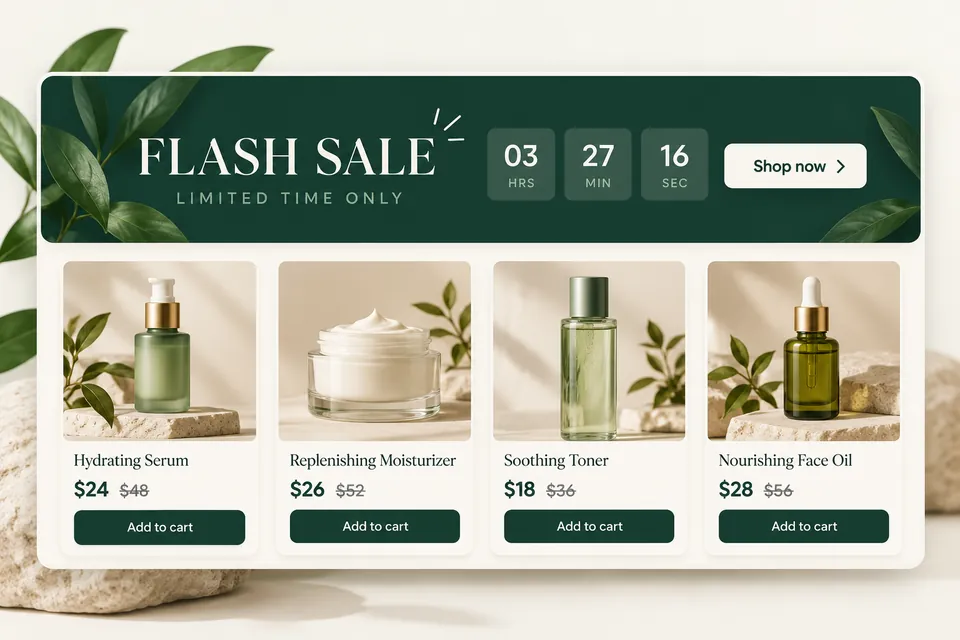
The sale is on.
The banner is ready.
Announcements with a message, link, and optional countdown. Set the start and end so your store tells the right story.

Your sale starts Friday. Your homepage should know that. Schedule your announcements and theme sections ahead of time, without hunting through code.
Preparing for Shopify App Store launch · Already installed? Open your app ↗
A clear place for the details. So the next launch feels a little less last-minute.
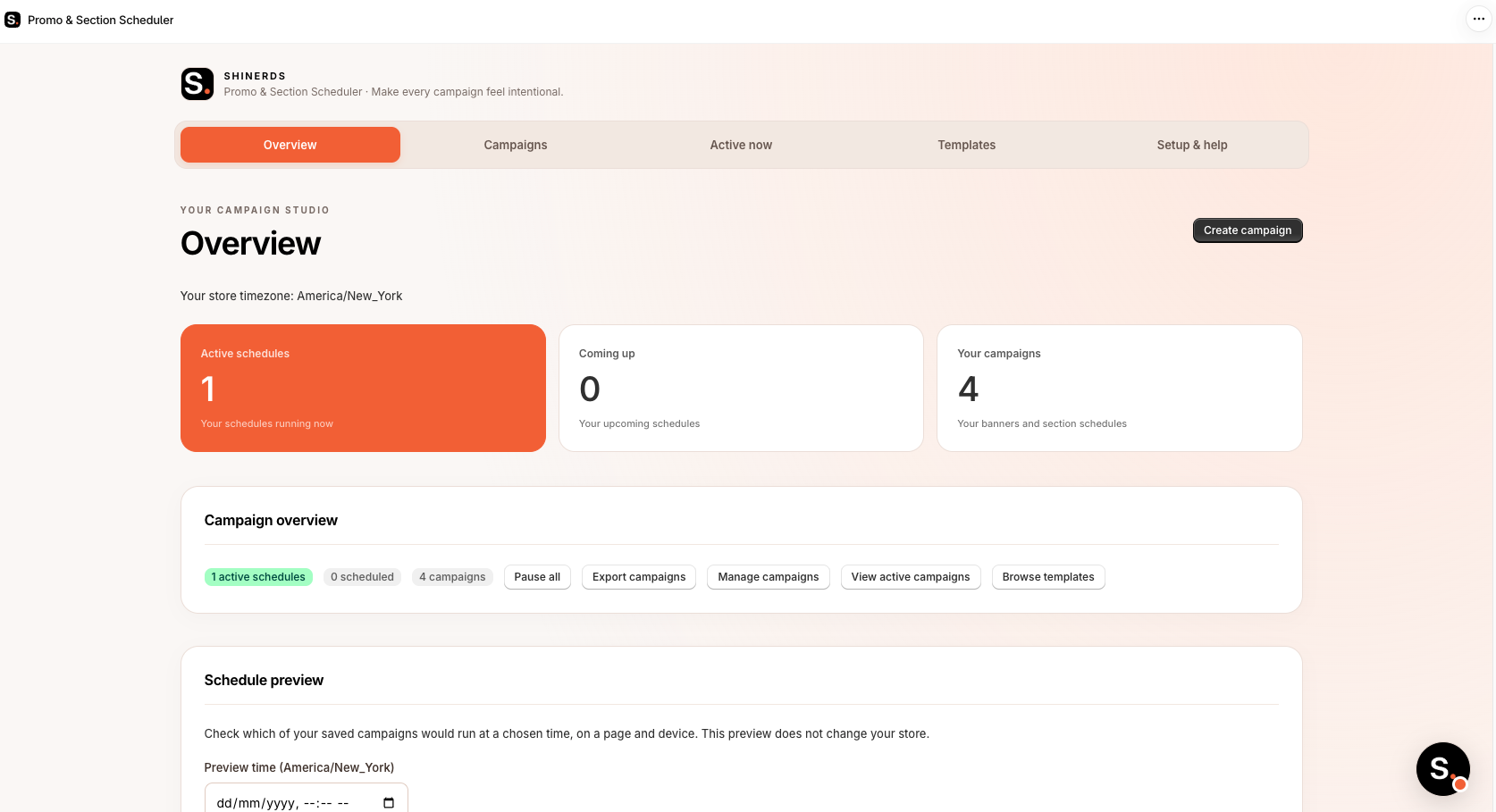
Inside the app · Shinerds test store
A LITTLE LESS LAST-MINUTE.
Set things up when you have the time. Use a template, make it feel like your brand, and choose exactly when it should appear.
Announcements with a message, link, and optional countdown. Set the start and end so your store tells the right story.
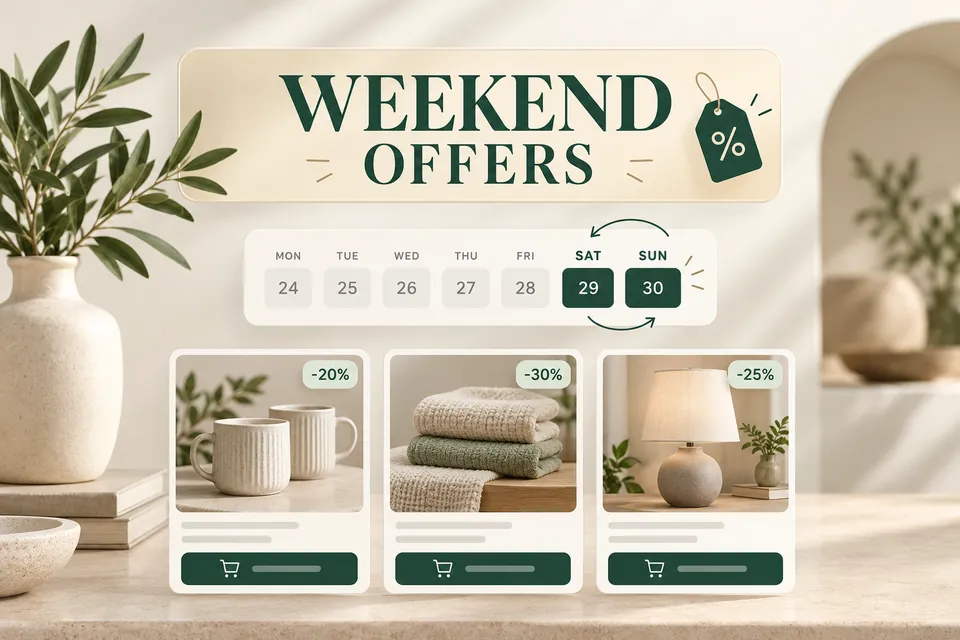
Choose the weekdays and daily times. Your recurring campaigns follow your store’s timezone, including daylight-saving changes.
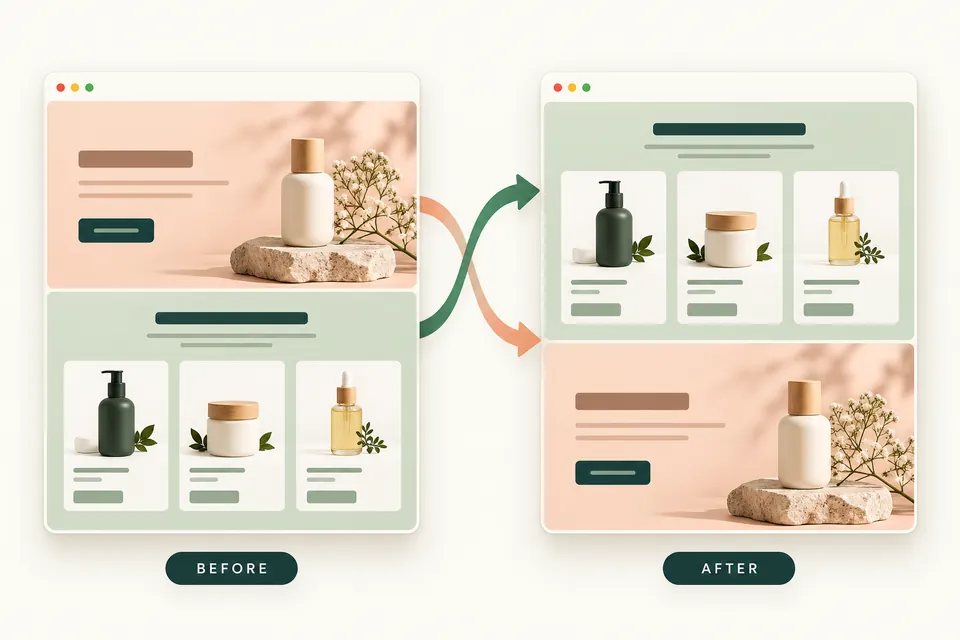
Bring an existing section into focus by exchanging its position with another. Restore the original order when the campaign ends.
A PROPER SWAP. NOT A REPLACEMENT.
Click below to see the idea. Your campaign changes where sections appear, rather than replacing their content.
Pick two sections on the same store page. During the campaign, they exchange positions. Afterwards, everything goes back where it was.
Interactive product demonstration · example storefrontTHE DETAILS MATTER.
A few thoughtful choices make a busy launch easier. The controls you need, without asking you to become a developer.
Choose your section directly on your storefront. No digging through theme code to find an ID.
Adjust desktop and mobile padding separately, plus text size, alignment, button spacing and outside margins.
Five templates for flash sales, weekend offers, new collections, scheduled sections and seasonal swaps.
Keep your overview, campaign list, active schedules and templates in their own clear spaces.
Preview your saved schedules for a chosen time, page and device. Review overlapping campaigns with priority controls.
Pause one campaign or all of them. Duplicate a campaign for the next launch, and export your settings for a backup.
THE PEOPLE BEHIND THE PRODUCT.
Feedback from our web-development clients. The same attention to detail goes into the tools we build for Shopify.
“He communicates clearly, delivers clean, solid work and is always willing to fine-tune until it’s exactly right.”

“He is proactive, comes up with great ideas, and delivers excellent results.”

The hosted app is being prepared for its Shopify App Store launch. Contact us for launch updates. If you already have access, open it from Apps in your Shopify admin or use the app sign-in link.
No. Open your storefront from the campaign editor, click the section you want, and return to the app. For a swap, choose two sections on the same page. Your app embed must be enabled first.
It exchanges the positions of two existing sections. Both keep their content and remain visible. When your campaign ends or you pause it, their original order returns.
No. Set up your discounts and prices in Shopify separately. This app controls announcements and the visibility or position of your theme sections.
It is designed for compatible Shopify Online Store themes. Enable the app embed and test on a theme copy before using it on your live store. It does not support checkout or custom headless storefronts.
Your schedules use the store timezone shown in the editor. Scheduling runs in the shopper’s browser; device clocks, inactive tabs, blocked scripts and Shopify caching can affect timing. Saved changes and pauses apply when shoppers next load or refresh a page.
Pause all stops your campaigns and restores the normal section layout. Resume all enables your campaigns again; their dates, weekly repeats, page rules and priorities still decide which ones run.
Plan details will be published with the Shopify App Store launch. Contact team@shinerds.com if you would like to discuss access before then.